MemoRizz lets agents operate Mac apps and remember the steps
The Python agent framework adds a local MCP server that reads Mac windows as text, asks before actions and saves each task as procedural memory.
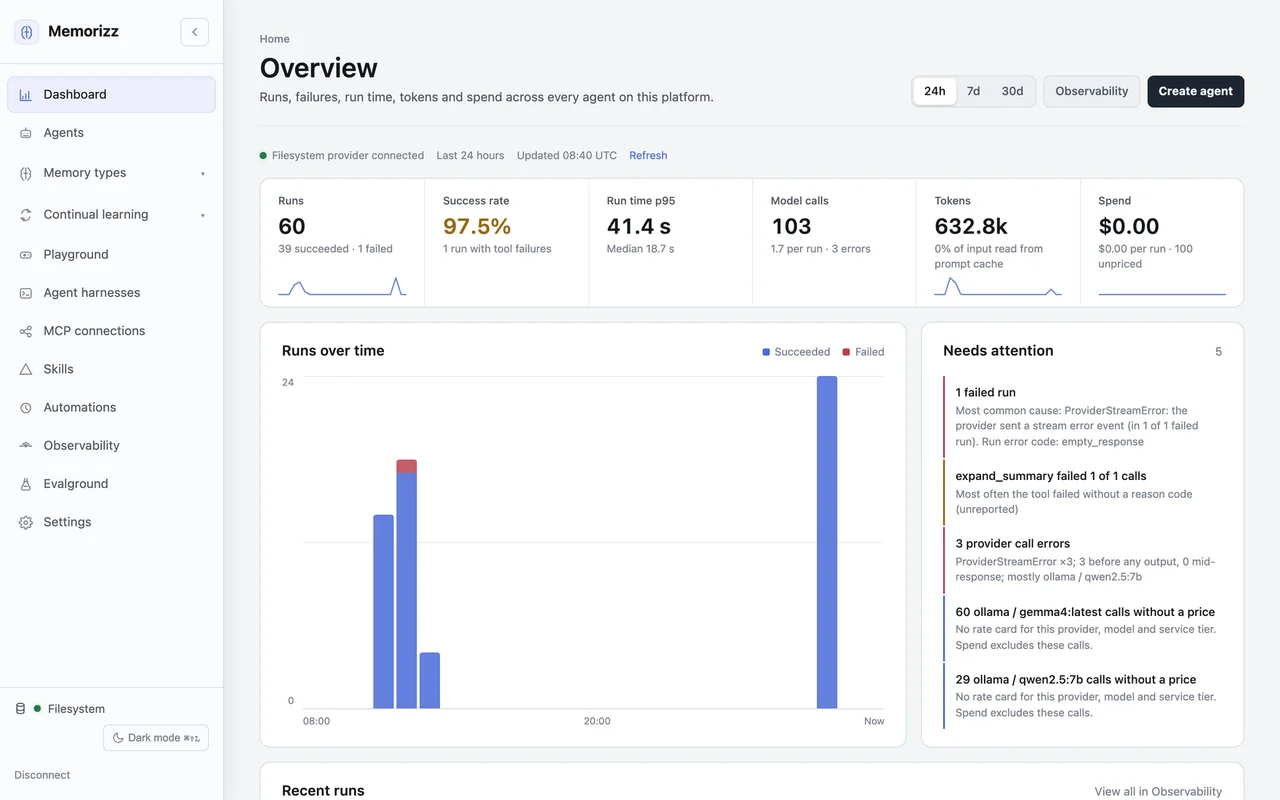
MemoRizz is giving memory-first agents something concrete to remember: the steps they take inside Mac apps. Version 0.17.1, published October 18, adds desktop control through a local MCP server and records each desktop task as workflow memory, including pauses while a person approves an action.
The documented approach reads a window as a numbered outline of buttons, fields and text. The agent then chooses an element by number. The project says this works with tool-calling models, including local models, because the desktop tools do not send screenshots to the model. It is a new integration in a Python agent framework, not a new foundation model or a replacement operating system.
Operate an app, then keep the procedure
The release adds memorizz desktop connect, doctor and serve. Users install the desktop extra with pip install "memorizz[desktop]", connect the server and restart the chat. The framework requires Python 3.10 or newer; this integration requires macOS and Accessibility permission for the app launching MemoRizz.
Listing apps and reading a window do not ask for approval. Opening an app, clicking, typing, pressing keys and scrolling wait for approval by default. Connecting with --no-approval changes that behavior. The tools act with the user’s permissions, so approval settings matter for real applications and data.
The guide describes background actions through Accessibility and process-directed input, allowing an agent to work while the user uses another app. There are exceptions: an element that cannot be pressed can fall back to a real pointer click that brings the app forward, and some apps need foreground input. This is not a guarantee that every action leaves focus untouched.
Each task keeps its request, tool arguments, results and outcome in procedural memory. Optional Screen Recording permission adds locally stored window screenshots; --no-screenshots disables that capture. With continual learning enabled, the documentation says repeated successful procedures can become learned skills. Saving a trajectory alone does not prove that a reliable skill has been learned.
More useful tool memory, with clear limits
The same release stores MCP tools in toolbox memory and ranks them semantically before filling remaining slots with keyword matches. Changed tools are embedded again, while disconnected servers lose their stored tools. These are the author’s implementation claims, not an AITrending measurement of better tool selection.
Desktop coverage depends on what an app exposes to Accessibility. The guide identifies Notion’s desktop app as an example that may expose an empty frame, and recommends a separate browser workflow for web content. Model credentials and charges depend on the chosen provider; the README also documents a local Ollama route.
MemoRizz is source available under PolyForm Noncommercial 1.0.0, not a permissively licensed framework. Its README calls it experimental and says it has not undergone security hardening for production workloads. AITrending reviewed the English tagged documentation and release notes without installing the software or testing its desktop actions.
Related reading
Wicked Studio puts plans, agent work and approval gates into one chat
53 agents, 37 reports and a deletion that never asked permission