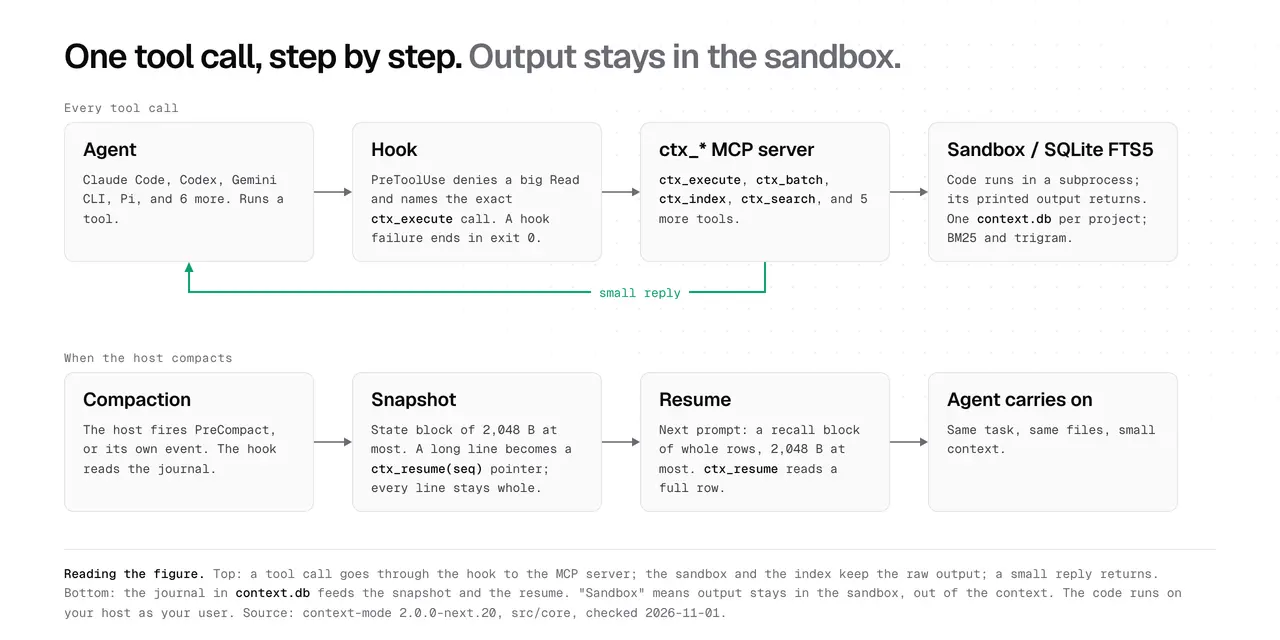
Flockbook brings Herdr agent chats to Linux—and previews a phone control page
Version 0.8.0 adds a Rust helper and an installation route for macOS and Linux. Remote tabs and phone controls remain previews, with important testing and feature limits.
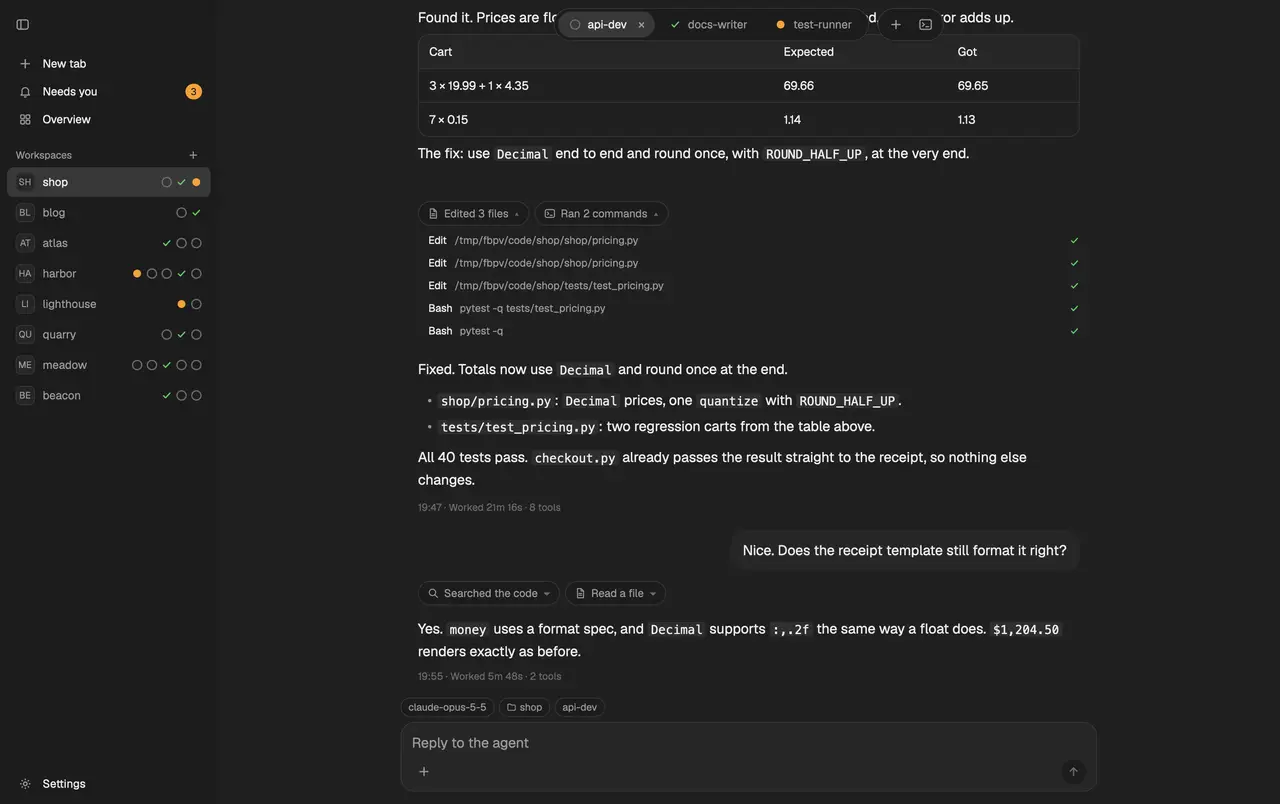
Flockbook 0.8.0 gives Herdr users a reading view for coding-agent conversations on macOS and Linux, with previews for remote-machine tabs and a phone page. The November 4 release replaces the mod’s helper with Rust and bundles the layout, themes and keys into its installer, removing the previous Python requirement.
Flockbook is an unofficial interface for Herdr, rather than a new coding model or a replacement harness. Its versioned English README lists Claude Code, Codex, Grok Build, Cursor, pi and Antigravity CLI session logs as inputs. The view turns terminal sessions into conversations, folds tool calls into chips and groups agents waiting for an answer or approval. Users can still open the real terminal.
A remote chat view, with testing boundaries
For Herdr tabs on another machine, the new helper can supply the chat feed from Linux x86_64/aarch64 or macOS. The release says a local card displays the destination machine, path, size and SHA-256 before the user chooses Install. Helpers are checked against release checksums before copying and again on the remote machine.
The maintainer reports testing remote chat, installation, sending and removal on a live machine. Remote approval and question answering have only been tested against a simulated machine so far. Windows remote helpers are not supported. Those distinctions matter for anyone hoping to manage an unattended agent from another computer; AITrending has not reproduced the workflow.
The separate phone-page preview runs from the Rust helper through Tailscale Serve, without requiring the Mac app. It is off until started. It binds to localhost and requires the configured Tailscale account identity; approval, answer and send requests also require the page’s own HTTPS origin. The documentation warns against using it on a machine shared with untrusted users.
This preview does not include tabs from other machines, pictures, older conversation rows, the agent queue, image uploads or notifications. It should not be confused with all the capabilities of the existing native Mac app.
Installation and platform limits
The release offers a one-line installer and a downloadable mod ZIP, with a dry-run option and SHA256SUMS checks. The installer uses the local Herdr installation and updates files it owns while preserving existing user files and keys. On Linux, the plus-button file dialog is disabled; the README suggests dropping files or pasting an image instead.
The standalone Mac application still requires macOS 15 or later and a running Herdr. The native Linux and Windows desktop port is a separate, unreleased effort. Flockbook is MIT-licensed, while model subscriptions and permissions belong to the underlying coding agents. Its session-log access is part of how the reading view works, rather than a claim that agent data never leaves through those agents’ own providers.
Related reading
Anfra lets AI-built dashboards show the rows behind a chart