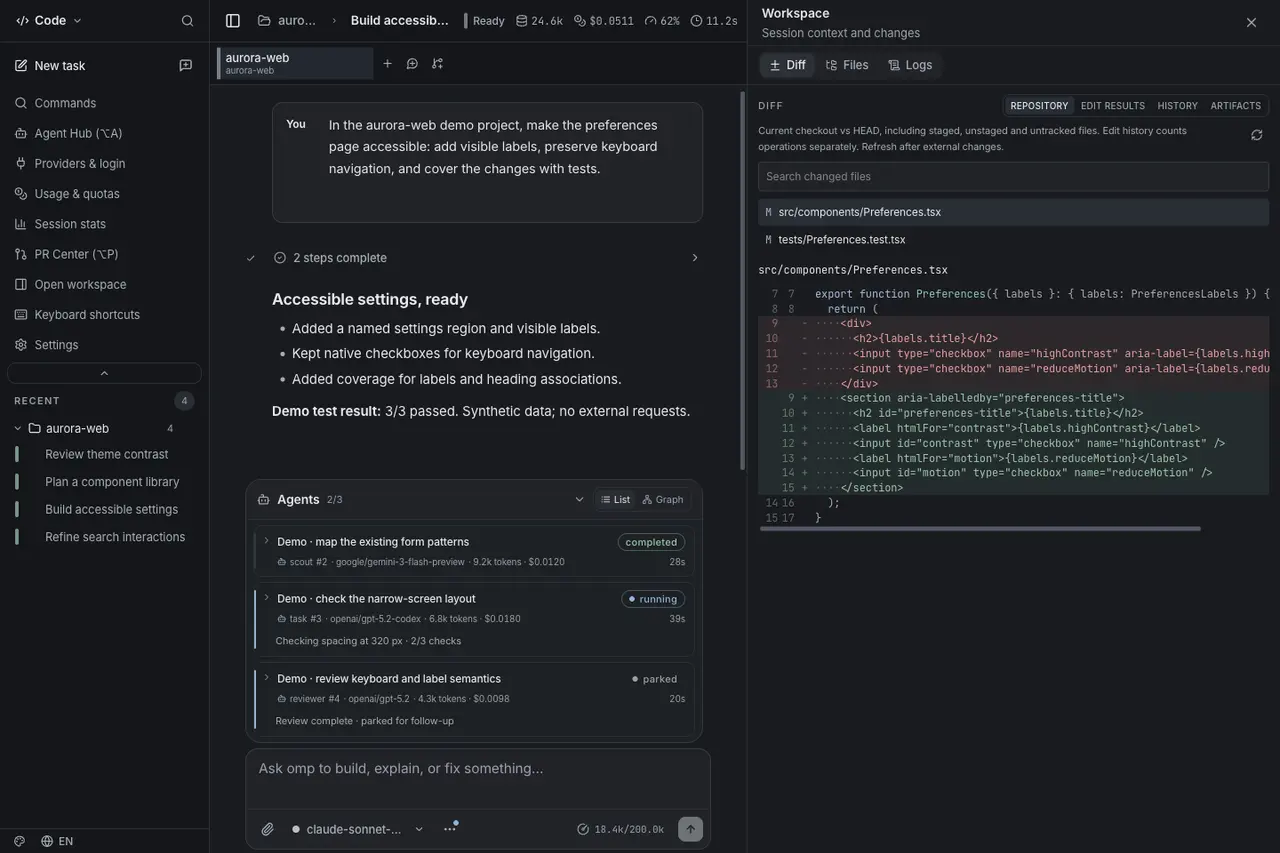
lich adds OpenCode 2 sessions—and stops closing idle agent browsers
The desktop workbench gives each OpenCode 2 session its own server and lets agents manage project services, with explicit plugin and pairing limits.
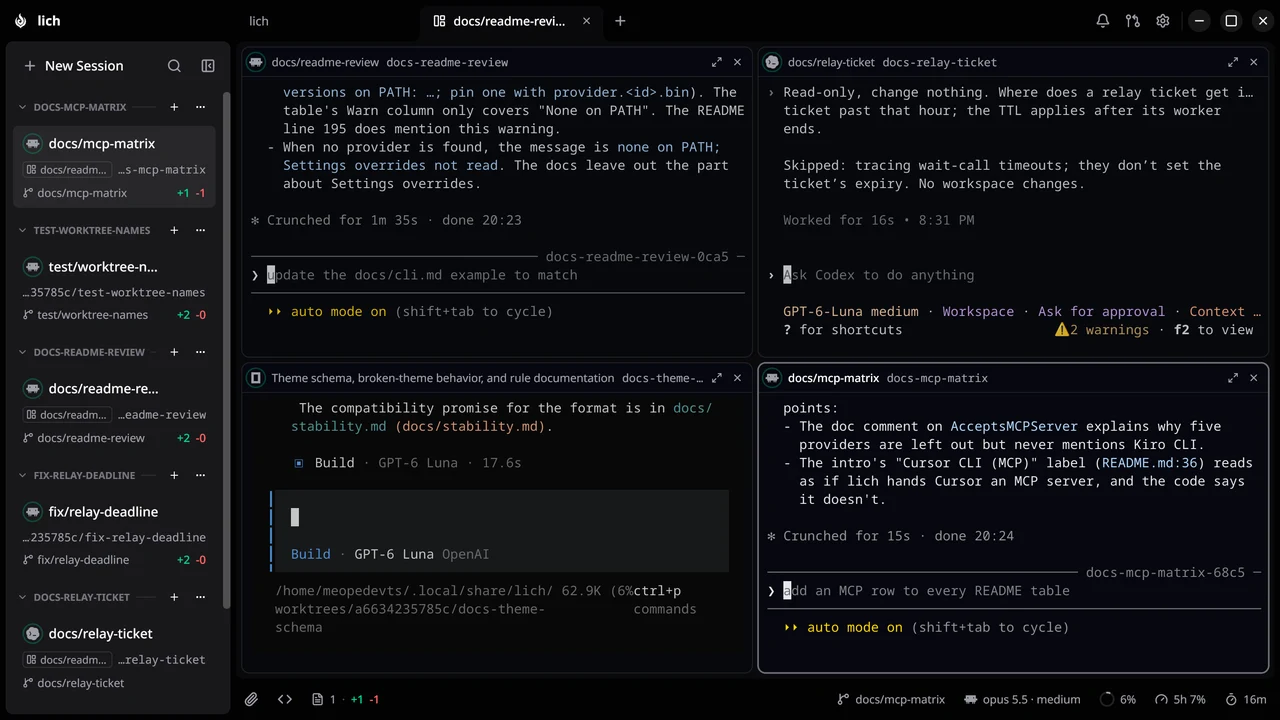
A coding-agent workbench is less useful if switching away destroys the page an agent was using. lich 0.84.0 changes that behavior while adding OpenCode 2 support and tools for agents to operate a project’s background services.
Released November 4 at 01:00:40 UTC, the update belongs to an independent desktop application that runs installed coding-agent CLIs in terminal panes. Its existing workflow puts sessions side by side and can give tasks separate Git worktrees. It is a harness, not a bundled model or an official release from the model providers whose CLIs it hosts.
OpenCode 2 gets a server per session
The English release notes say lich detects OpenCode’s version and starts OpenCode 2 with a separate server for each session. That lets a session receive its own profile, model settings and lich tools. The project says conversation cost, closing text, search and history work for OpenCode 2 conversations, including older conversations it has continued.
There are compatibility boundaries. The release says the session card’s spinner, completion ring, bell and title require the lich plugin’s next release, installed through Settings → Providers. It does not establish that every status feature works immediately with an older plugin. A lich-started session also sits outside OpenCode 2’s shared background server, so opencode pair and the OpenCode desktop application do not see it.
Agents can now list, create, edit, delete, start, stop, force-stop and restart project services through lich’s MCP tools or its lich service command. They can also read a service’s output. That provides direct control of saved development services; users should understand that this is operational access, not merely a dashboard displaying status.
An unanswered close prompt keeps the browser alive
Previously, the release notes say, a browser could close after five minutes away from its session, losing its page, tabs and login. The new behavior asks whether to close it after it has been unused and hidden for five minutes. Leaving the toast unanswered keeps the browser open; choosing Keep open postpones the question.
The tagged architecture document describes a separate headless Chromium browser per session card, using an already installed compatible browser. This is not permanent session storage: closing the page or ending the session can still close its browser. The release also reports fixes for screenshot-to-click coordinate mismatches and refuses clicks based on an outdated screenshot after pane geometry changes.
lich provides Linux, macOS and Windows packages. Users supply their existing agent installations and authentication; model access and inference costs remain with those providers. The tagged README warns that macOS and Windows builds are unsigned, and licenses the current application AGPL-3.0-only. AITrending reviewed release notes and documentation; the integration, persistence and coordinate behavior are project claims rather than an independent desktop test.
Related reading
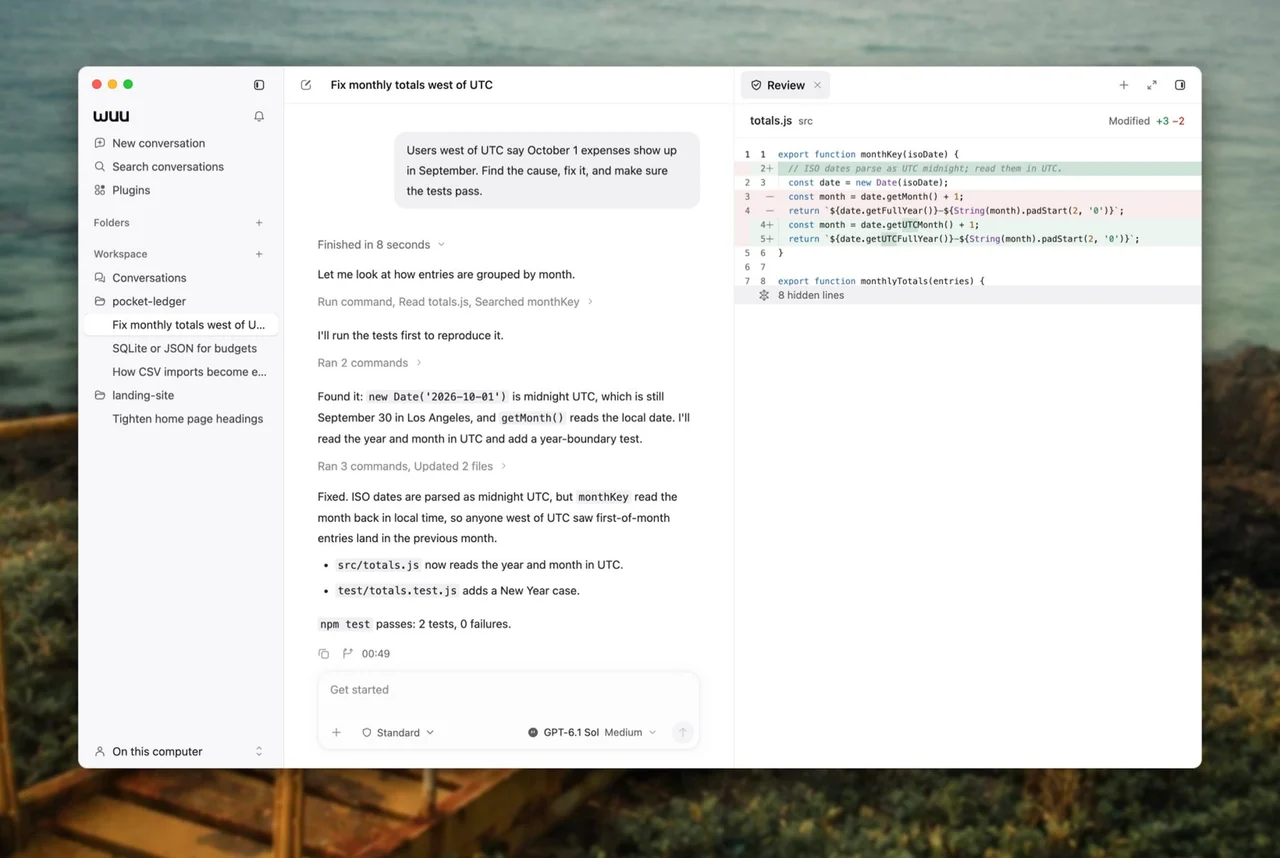
Wuu adds ChatGPT sign-in and single-file plugins to its Mac agent desktop
Chrome DevTools MCP lets coding agents record video without ffmpeg