Mobile Automator 0.37 moves your AI agent's mobile tests into a hidden workspace
The mobile QA CLI changes its workspace path and asks existing users to stop old sessions, move their files and refresh their agent skills.
Mobile Automator 0.37.0 changes where an AI coding agent keeps its mobile UI tests. The October 27 release moves the project workspace from mobile-automator/ to .mobile-automator/, making configuration, scenarios, screenshots, results, memory and session state hidden by convention. The schemas and layout inside that directory stay the same, but existing installations need an explicit migration.
The release tells users to end their session with the old version before installing mobile-automator@0.37.0, then move the existing workspace before running any new-version command. Otherwise, a command can create a fresh hidden directory and complicate the move. Stored screenshot paths in scenarios and results are not automatically rewritten; users must inspect references to the old directory themselves.
Installed agent instructions also need attention. Run mauto init --agent <host> again to refresh skills and rules. The project’s doctor command and guide notice identify stale integrations. The release adds detection of a leftover legacy workspace, returning an environment error rather than silently ignoring the existing tests. Because recursive search tools commonly skip hidden directories, agents are instructed to list the scenario directory directly.
The underlying workflow remains a host-agnostic CLI wrapping mobile-mcp: an agent chooses actions and judges visual assertions, while mauto performs device actions and mechanical checks. Its README documents integrations for Claude Code, Cursor, Gemini CLI, GitHub Copilot and OpenAI Agents, plus shell and MCP routes for other hosts. These integrations are not bundled model access; users supply their agent and any provider credentials or costs.
The documented setup requires Node.js 22.12 or newer and a connected device or running emulator or simulator. The CLI supports macOS and Linux; Windows users are directed to WSL2 rather than a native installation. This release is an upgrade-contract change, not evidence that an agent can reliably test every mobile app without supervision.
Related reading
Wicked Studio 0.14 lets you steer coding-agent jobs by voice
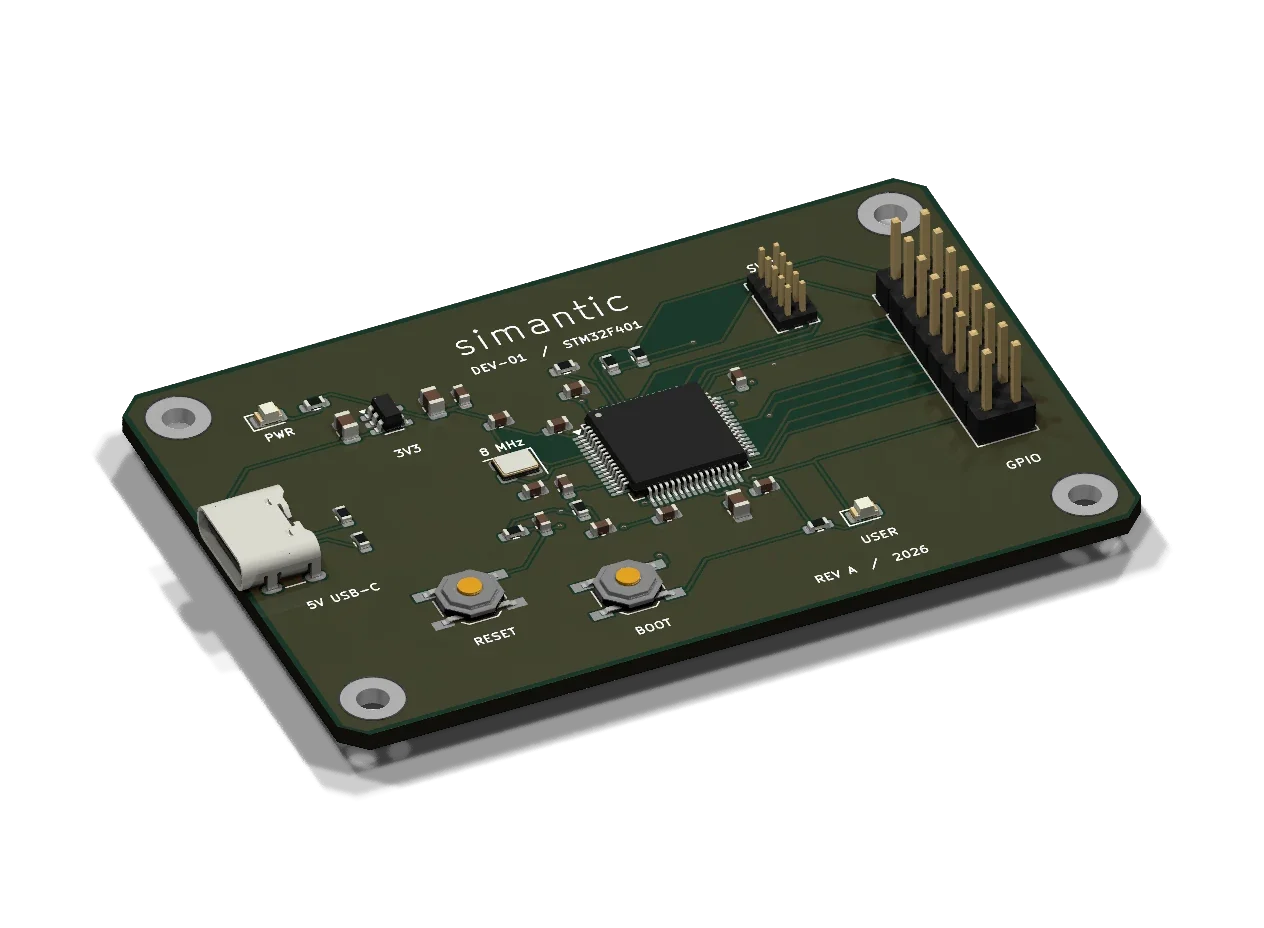
Simantic gives AI coding agents a virtual board to test firmware