Abu adds a keep-going goal mode and workflow apps to its desktop AI assistant
Version 0.60.0 adds continuing goal conversations, experimental workflow homes and file-change review, with explicit limits on restarts and undo.
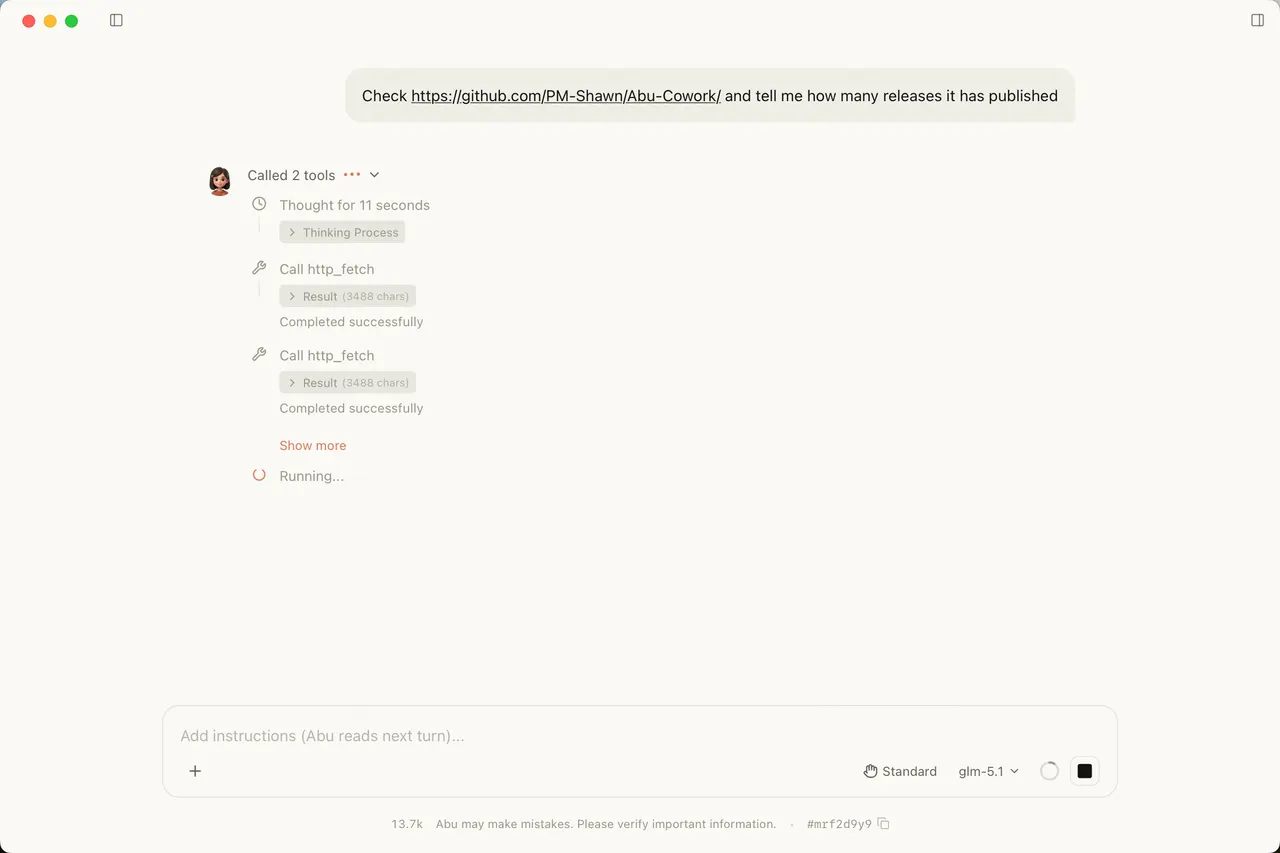
Abu’s October 27 release gives its desktop assistant a practical answer to the repeated instruction to keep going: a goal conversation that starts another round after each run. Version 0.60.0 also adds experimental workflow apps and file-change review with undo. These are capabilities described by the community project’s developer, rather than independently tested AITrending results.
Users can start a goal with /goal <objective> or a plain-language request to continue until the work is finished. The release notes say Abu keeps the objective visible, accepts intervening messages and requires evidence before marking it complete. This is not an unattended process that always resumes: stopping, restarting the application or a failed run pauses the goal, and nothing starts automatically after a restart. Goal mode is unavailable in scheduled tasks, triggers, IM-channel conversations and read-only conversations. Documented pauses and blocked states also limit endless automatic rounds.
The other substantial addition is Apps, an experimental setting under Settings > Labs that is off by default. Each app supplies a workflow home with scenes, sample prompts and references to experts, teams or skills. Users can add apps from a market or build one in a conversation, reviewing the proposed setup before confirming it. Apps reference components rather than replacing the plugin system; when companion plugins are missing, Abu presents the additions for review before installing them together. Optional embedded web pages are restricted to declared origins and, according to the developer, have no access to the user’s identity, conversations or files.
File review adds another useful boundary. A turn can show the files it changed, line counts and a comparison view. Undo applies to eligible edits made through Abu’s file tools. It excludes command-modified files, files changed again afterward, files larger than 2 MB and cases without current write authorization. It is therefore a bounded recovery feature, not a promise to reverse every shell command or external action.
Abu is a standalone application for macOS and Windows, not a Claude Code plugin. Its release downloads include macOS Apple Silicon and Intel packages and a Windows x64 installer. Users configure a cloud provider and API key, or connect Ollama for local models; cloud-provider usage and charges remain separate from the desktop application. The English README describes Apache 2.0 source licensing and a separately licensed enterprise edition.
Permissions still matter when trying the new workflows. Abu documents approval modes and tool access, but explicitly says Windows has no operating-system-enforced shell sandbox. A locally installed interface also does not make cloud-model processing local. The appeal of this release is the combination of continued work, reusable workflow setup and visible file changes, with the selected provider and permissions determining what a particular installation can actually do.
Related reading